← All work
04 · Apple · EdTech

Helping teachers act on student data in seconds

As a product design intern I designed an insights dashboard for Schoolwork on iPad that helps K-12 teachers interpret student progress, performance and time on task, and decide who needs help.

−45%teacher decision-making time
RoleProduct Design Intern
TimelineInternship
Team2 designers, PM, engineers
PlatformiPadOS
Challenge

Teachers could see scores but not what to do next. They needed to find outliers fast, see trends over time and act without leaving the app.

Approach

Insight cards that state one finding in a sentence, then open into a drill-down with the students behind the number and a next step. 12+ iPad screens including empty and edge states.

−45%teacher decision-making time
12+iPad screens including empty and edge states
WCAG 2.2colour and contrast compliance

Process

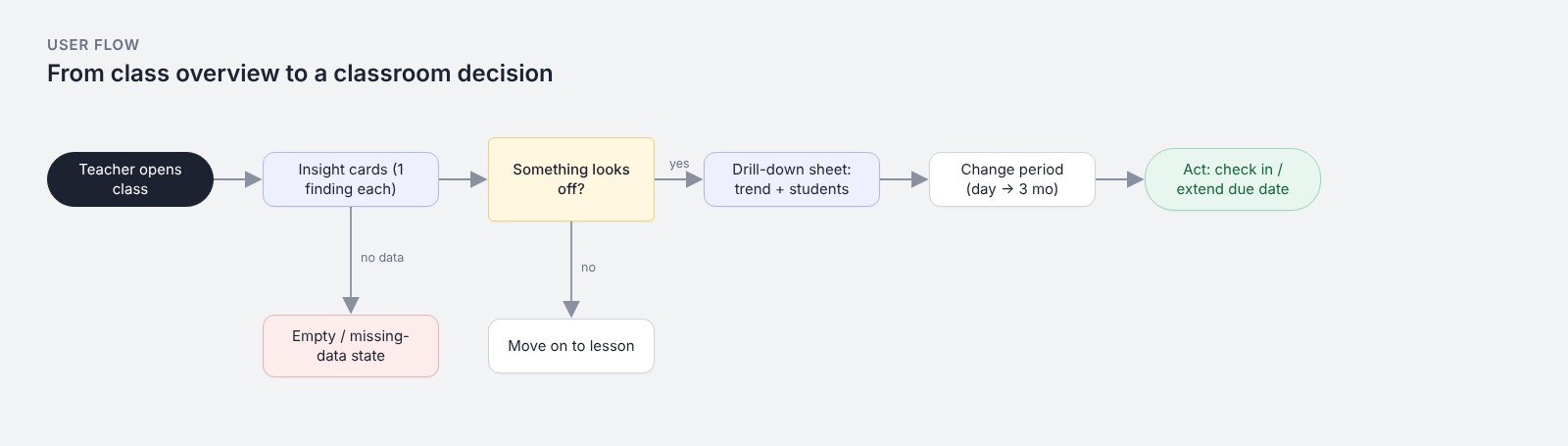
User flow: overview to decision
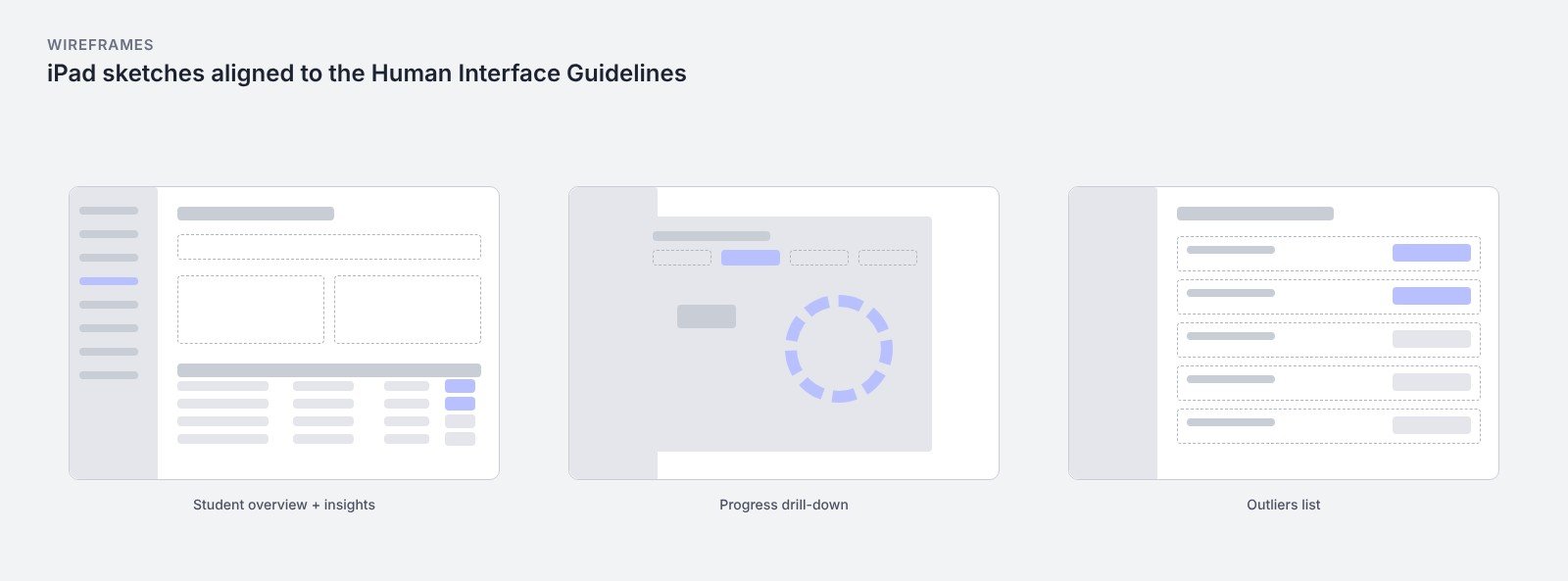
Wireframes
Wireframes

Screens

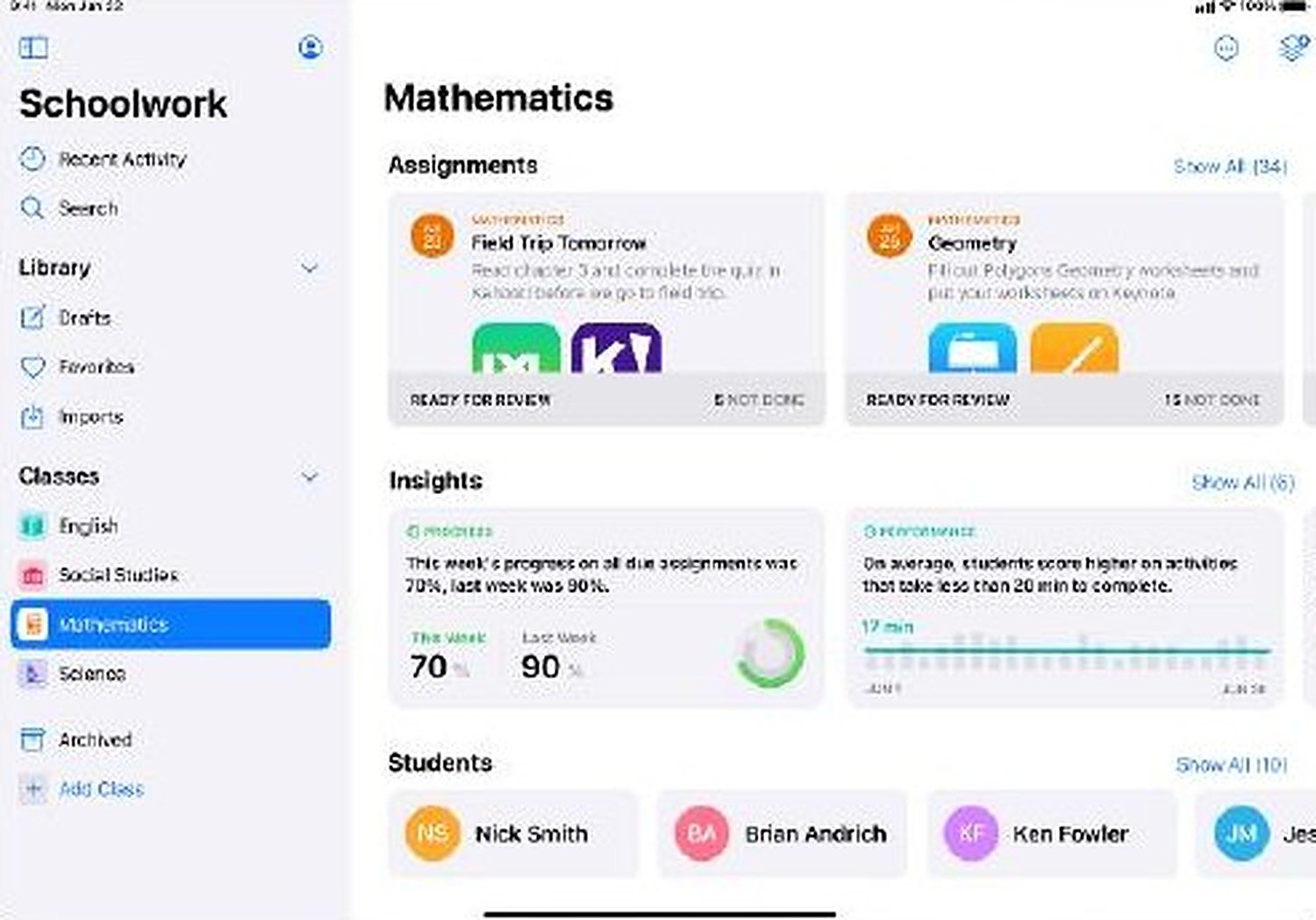
Class view: assignments, insights and students
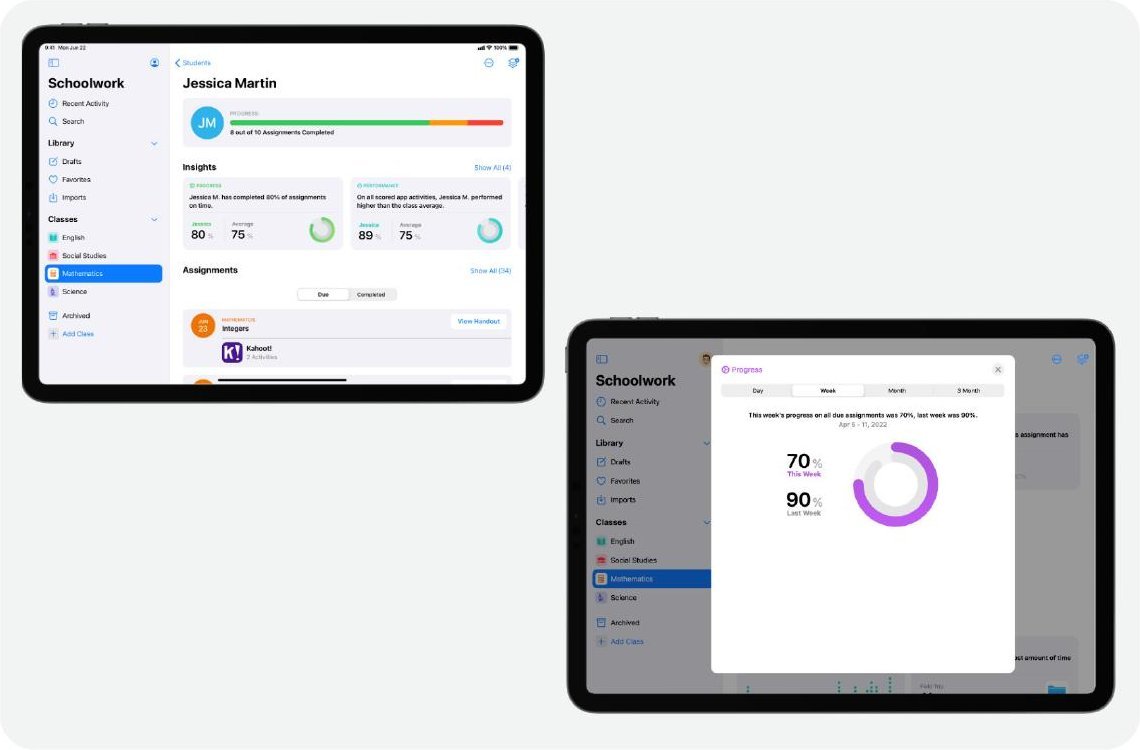
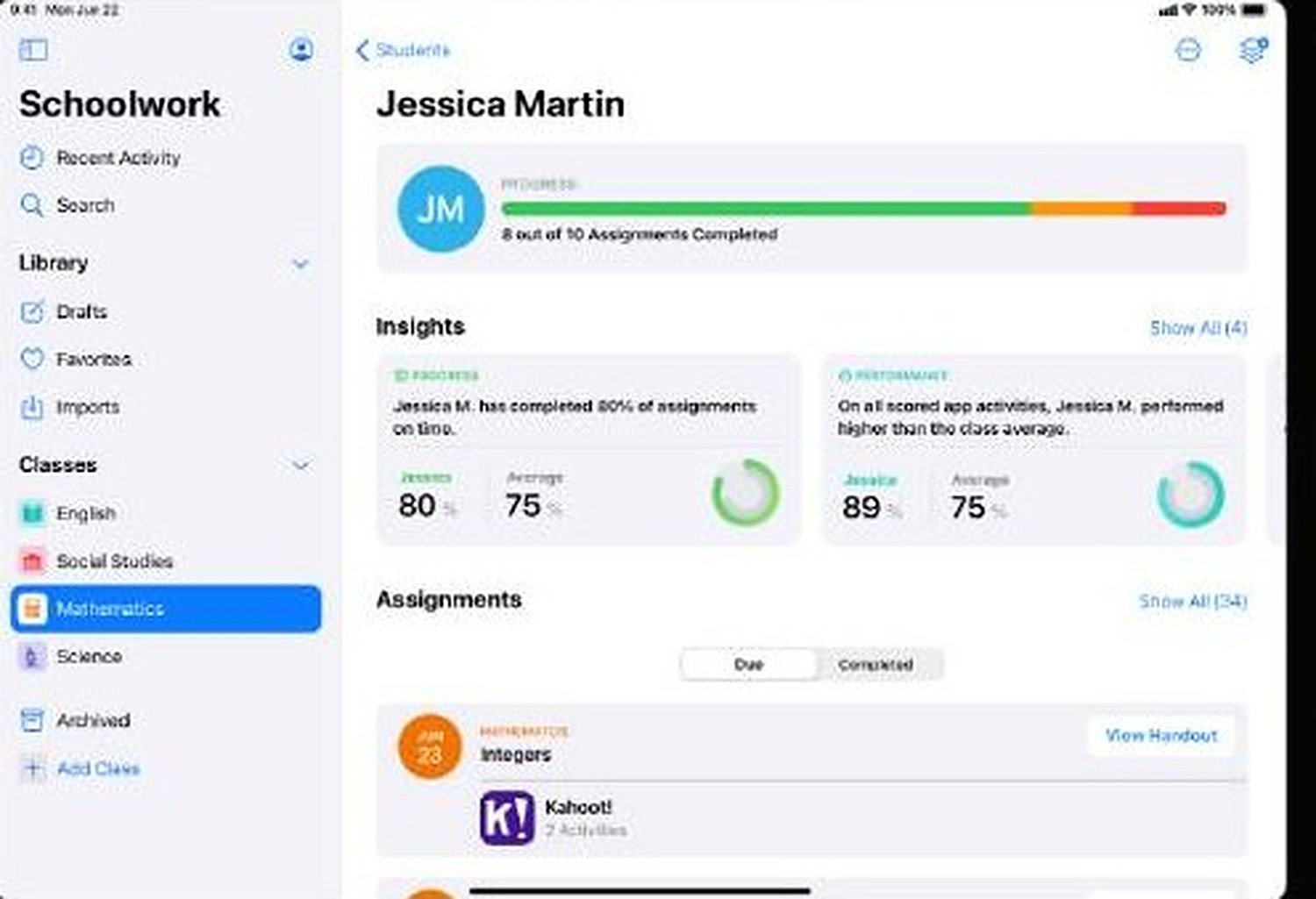
Student view: progress and insights for one student
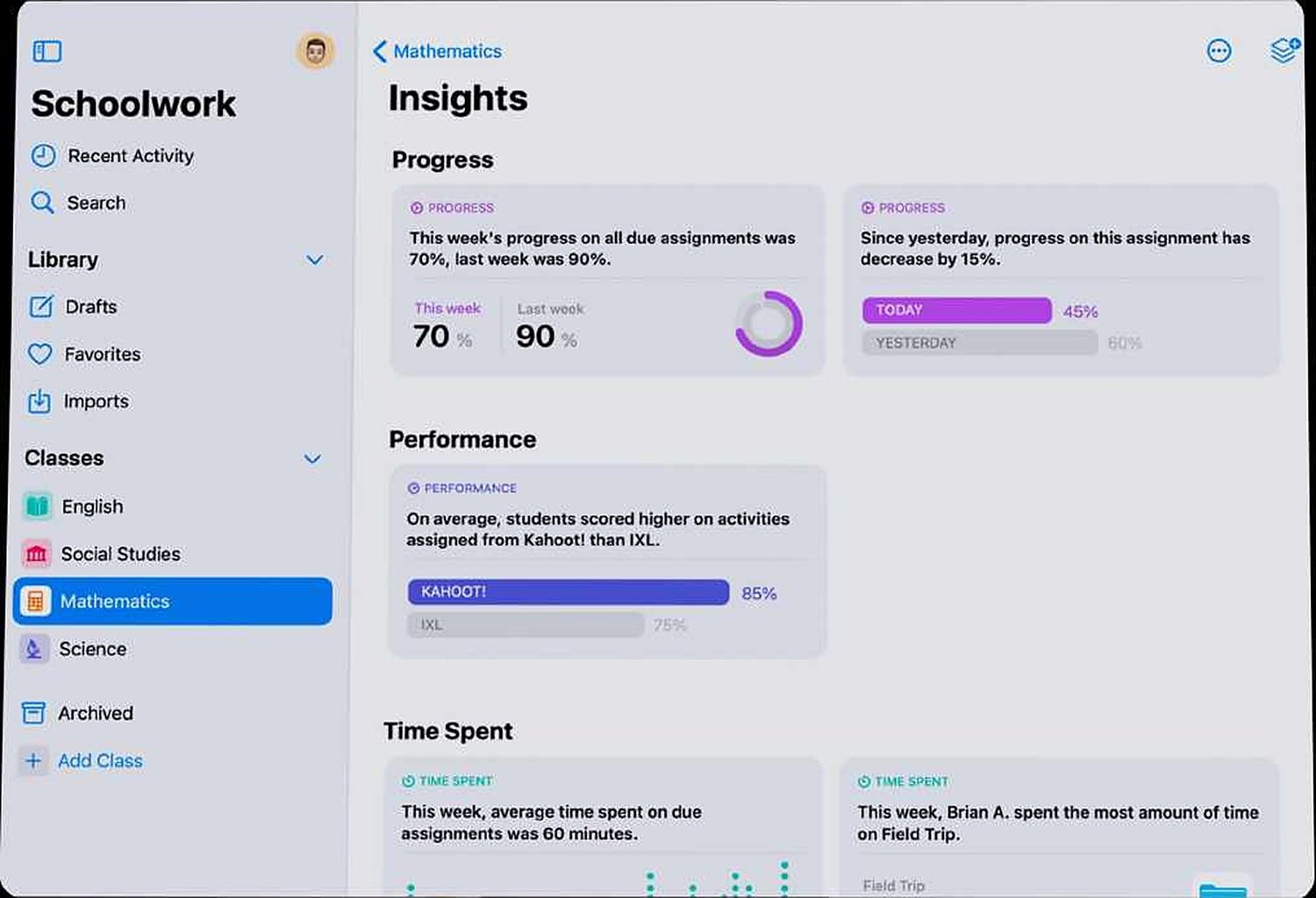
Insights: progress, performance and time spent
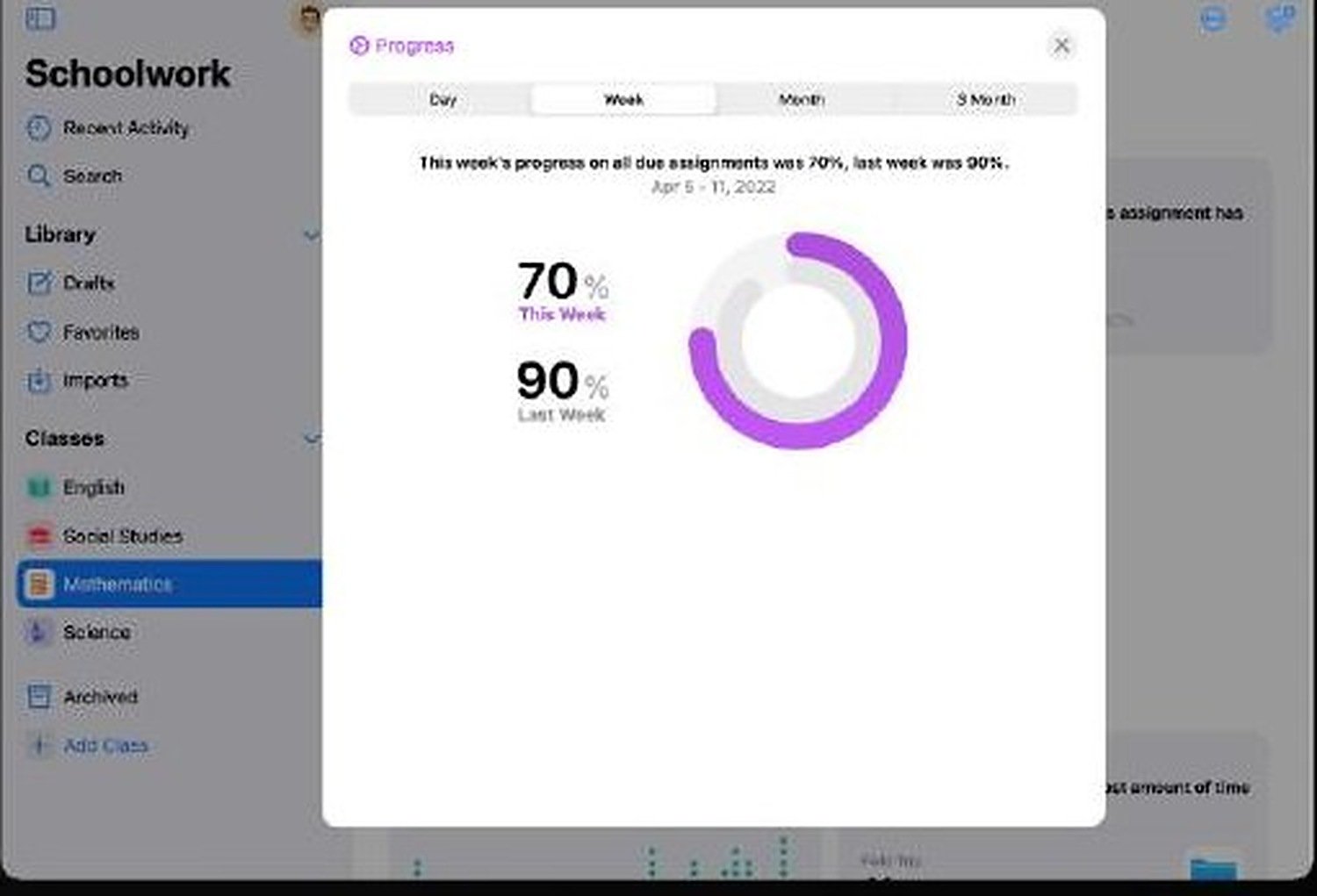
Progress drill-down: this week vs last week
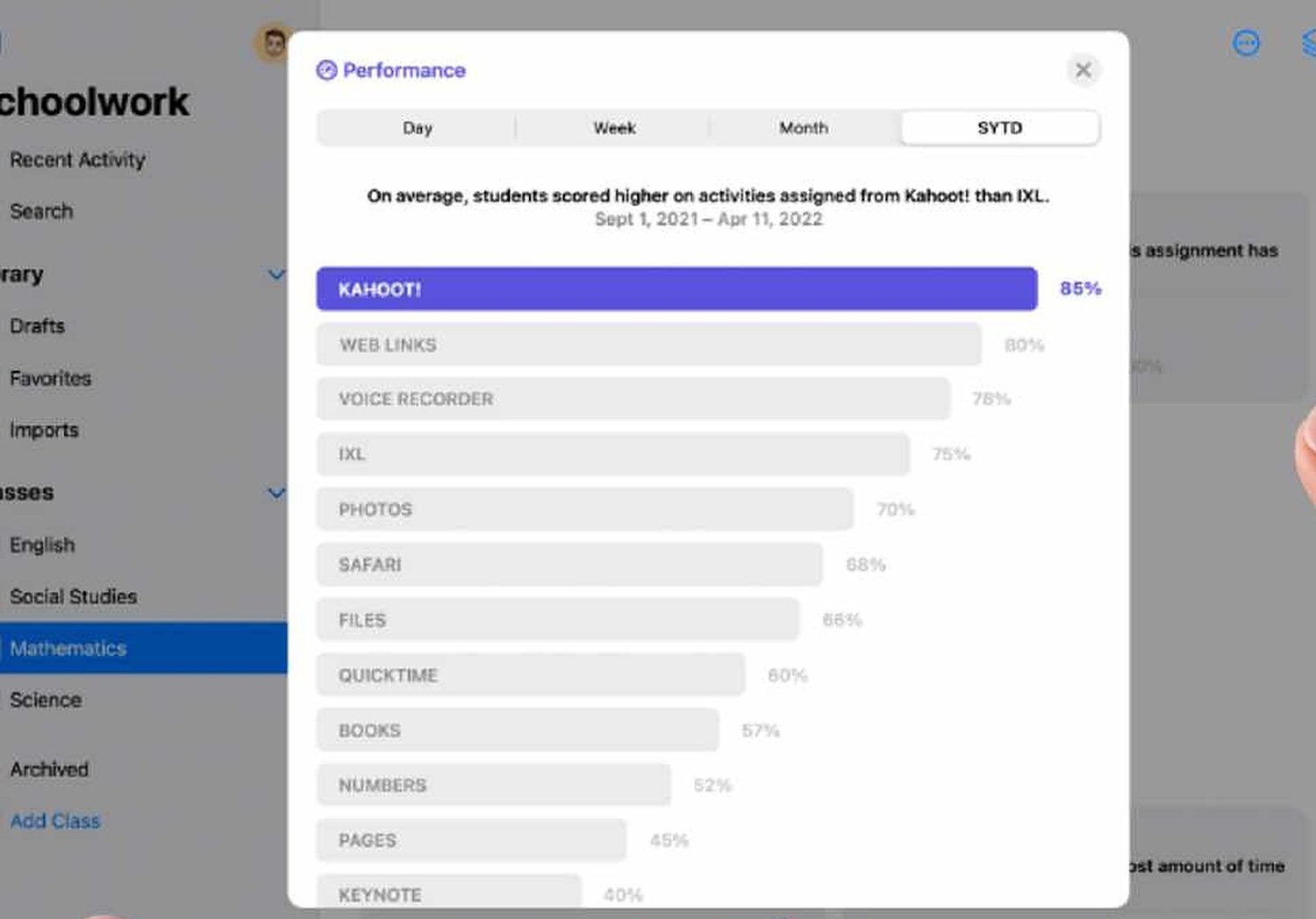
Performance drill-down: scores by app
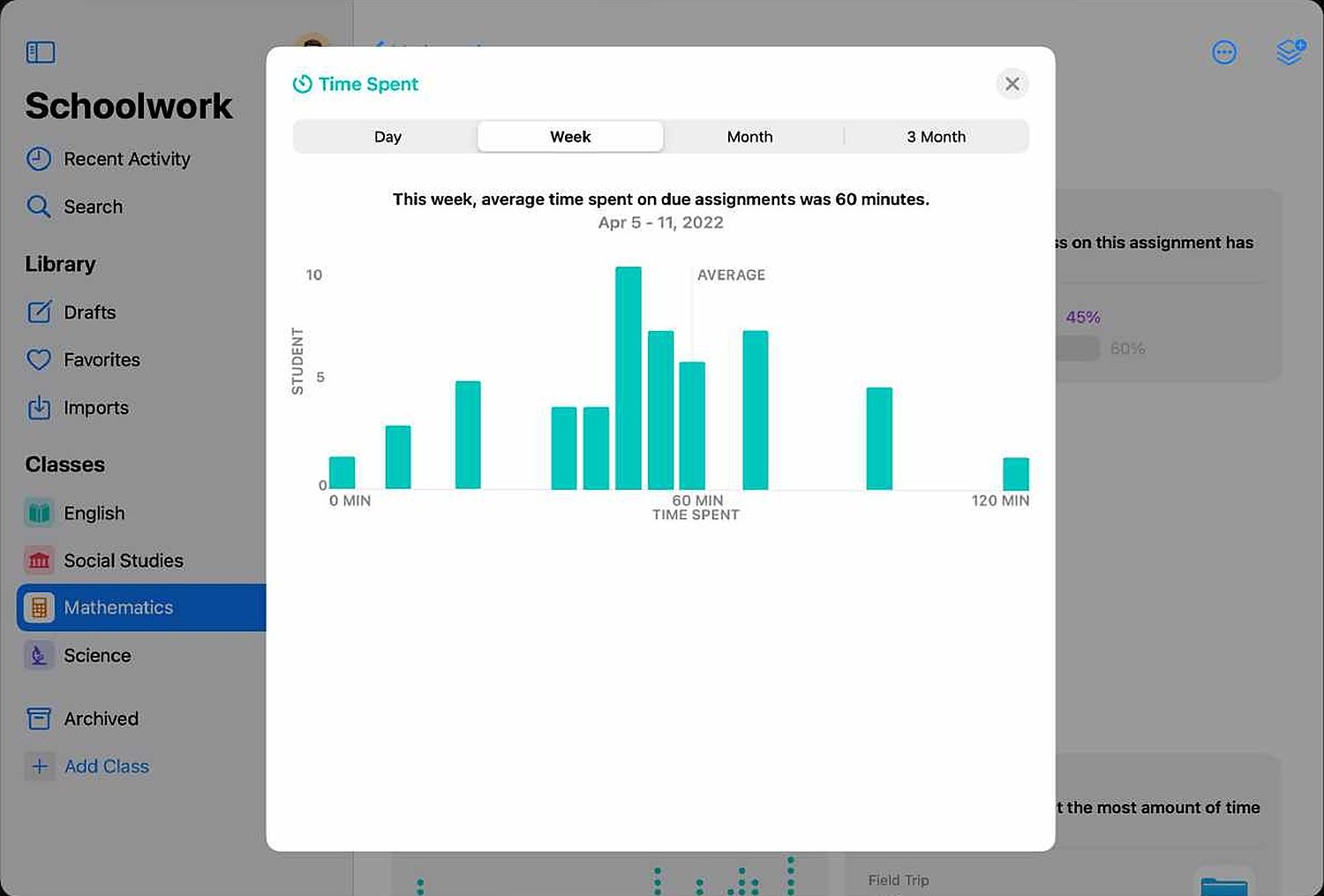
Time spent drill-down: distribution across students
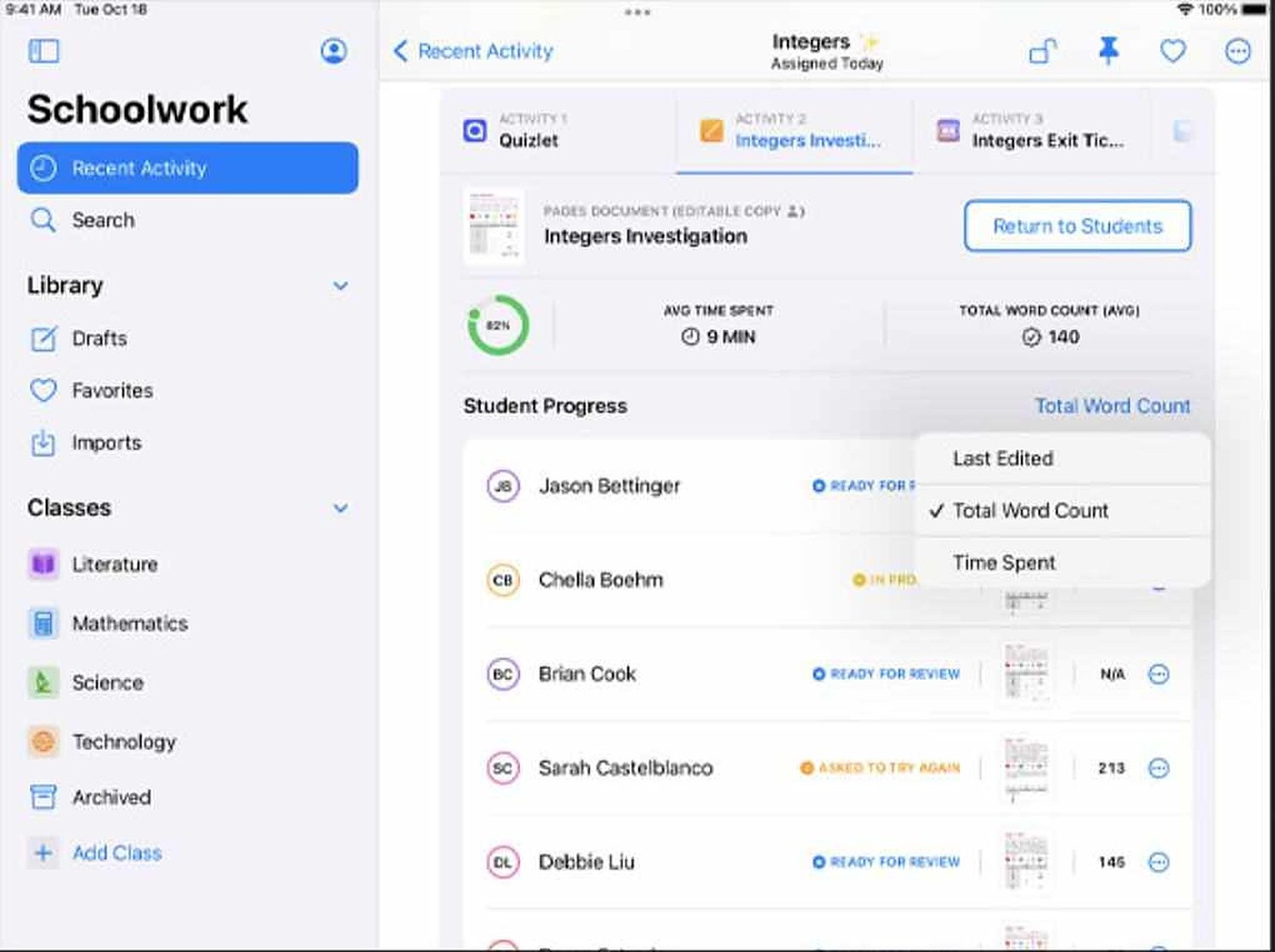
Activity view: student progress on an assignment
The full story
Overview

How might we make student insights more meaningful?

Teachers need a platform that pulls formative and summative data from many sources so they can see the class at a glance and dive into an individual student or a time period when something looks off.

Problem

Data without direction

Teachers could see scores but not what to do next. They wanted to find outliers quickly, see trends over time, and act without leaving the app.

  • Only 2 designers on the project
  • UI had to scale to future Apple Education tools
  • Strict alignment with the Human Interface Guidelines
Designs

Insight cards that open into answers

Each insight card states one finding in a sentence (progress, performance by app, time spent) with the comparison that gives it meaning. Tapping opens a drill-down sheet with the chart, the students behind the number and a next step such as checking in or extending a due date. I designed for the empty class, the outlier and the missing-data case, not just the happy path.

Impact

Faster decisions in the classroom

Testing showed teacher decision time fell by 45%. The data-visualisation patterns and reusable components shortened developer onboarding.

Lessons

Ownership in a confidential environment

Working in a small, confidential team taught me to own decisions end to end and to collaborate closely with engineering when there is no room for long review cycles.

PreviousABS · WAVESIGHTNextFarmLingua AI